How to Choose an App-Controlled Toy in 2026: Lovense, Kiiroo and The Handy Compared
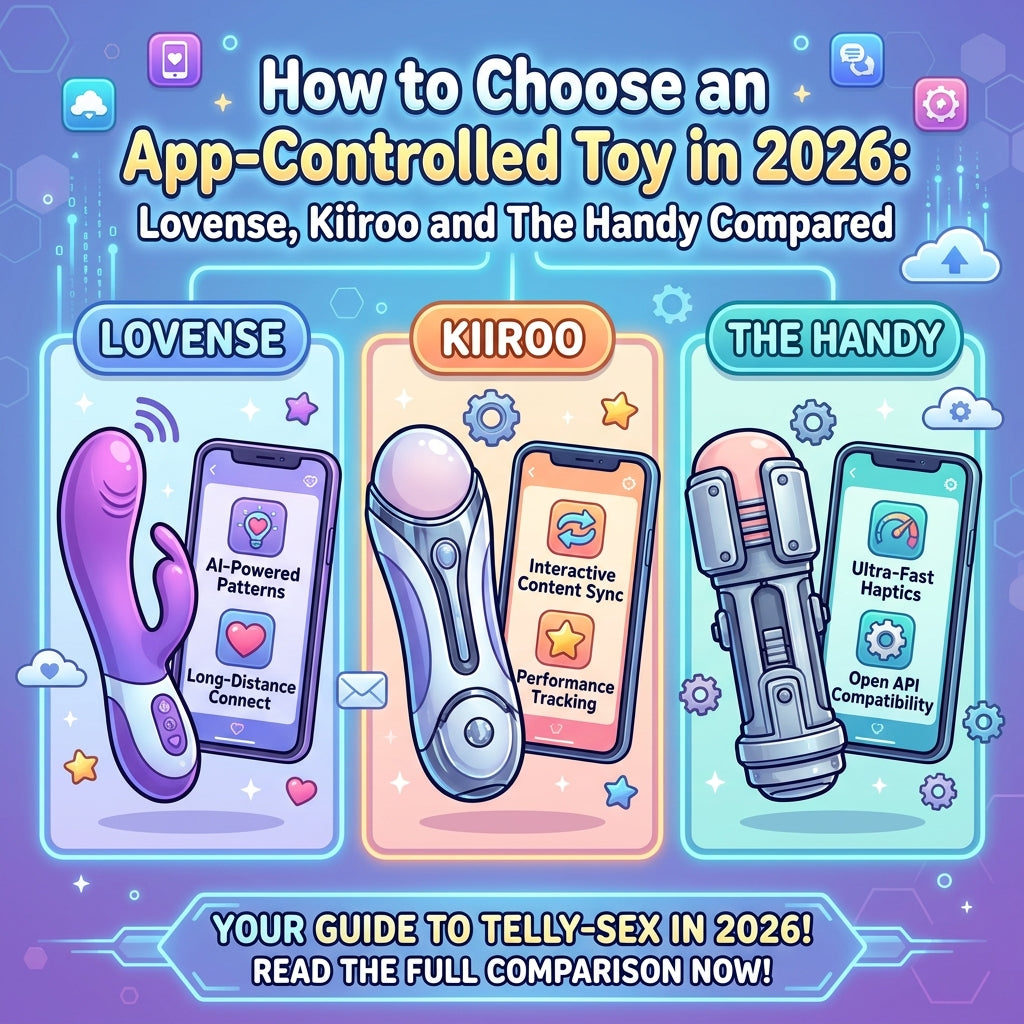
An app-controlled product can look simple on a listing page: connect a phone, open an app, and start. The real choice is more specific. Buyers need to match the device type, companion app, content services, and connection method to how they plan to use it.
That matters because Lovense, Kiiroo, and The Handy are not three versions of the same product. Lovense and Kiiroo offer connected product ecosystems. The Handy is a device line centered on an automated stroker, with the current model being The Handy 2. A useful comparison starts with what each system actually does.
This guide focuses on practical fit rather than declaring one brand a universal winner. App features, compatible devices, and product availability can change, so check the model and app details before ordering.
What Does App-Controlled Mean?
An app-controlled product uses a phone or computer to adjust or sync its functions. Some products use Bluetooth for nearby control; remote features and interactive content usually need an internet connection and compatible software. The specific app and device generation determine which features are available.
“App control” can refer to different experiences. It may mean changing settings nearby, sharing control with a partner, creating patterns, or syncing a device with supported content. These functions are not guaranteed across every model, even when products share a brand name.
For example, Lovense describes its app as supporting nearby control and long-distance control. Kiiroo’s FeelConnect app supports compatible devices, partner connection, and supported interactive content. The Handy 2 connects through Handyverse and compatible third-party platforms. Lovense Remote app overview, Kiiroo FeelConnect overview, The Handy 2 specifications
A quick comparison
| System | What it is | Consider it if | Check before buying |
|---|---|---|---|
| Lovense | A broad family of app-connected products and the Lovense Remote app | You want to compare several device styles within one app ecosystem | Confirm the exact model, app version, and features supported by that model |
| Kiiroo | A product ecosystem centered on FeelConnect | You want a compatible device for partner control or supported interactive content | Confirm the device appears on the current compatibility list |
| The Handy 2 | An automated stroker with app and platform connections | You want this specific device type and its motion-sync options | Check setup requirements, model version, battery option, and platform support |
Choose by Use, Not by Brand Name
Start with the physical device type. Lovense and Kiiroo sell different kinds of products, while The Handy 2 is designed around automated stroking. A buyer looking for a wearable or vibrating device is not comparing like for like with The Handy 2, even if all three options use apps.
Next, decide which app feature matters most. For nearby control, check whether the product has onboard buttons as well as app controls. Buttons provide a fallback if the phone disconnects or the app is inconvenient. For remote partner control, confirm that the exact model supports the feature and that both users can install and use the required app.
Interactive content is another separate feature. Kiiroo says FeelConnect works with supported content and compatible Kiiroo devices. The Handy 2 advertises support for Handyverse and hundreds of third-party apps. These are ecosystem-specific claims, not a promise that every site or app will work with every device. Kiiroo’s interactive content details, The Handy 2 platform and compatibility information
For model-specific comparisons, interactive sex toy reviews can be a useful next stop. Check that a review covers the same model generation and app version you are considering. A review of an older device may not describe a newer app, battery, connection process, or supported feature set.
App Compatibility, Privacy, and Setup
The main technical risk is assuming that products from different brands will connect to the same app. Kiiroo states that FeelConnect works with compatible Kiiroo and FeelTechnology products, and its FAQ says Lovense devices are not compatible with FeelConnect. Treat each brand’s app as a separate system unless the maker confirms otherwise. Kiiroo compatibility FAQ
Connection details matter too. The Handy 2 lists Wi-Fi and Bluetooth, and its setup information specifies a 2.4 GHz Wi-Fi requirement. Lovense describes Bluetooth for nearby control and internet access for long-distance use. These distinctions can affect where the device works and what happens if the network drops. The Handy 2 setup and requirements, Lovense control modes
Privacy deserves the same attention as compatibility. Read the app’s current privacy policy and store listing before creating an account. Review what information the service collects, which permissions it requests, and whether account deletion is available. Use a unique password and avoid usernames that identify you elsewhere.
There is also a concrete reason to keep software updated. In July 2025, Lovense announced fixes for reported security vulnerabilities after public reporting described risks involving account information. This does not show that the same flaws remain active today. It does show why buyers should install updates and review current security notices instead of relying on general privacy claims. Lovense’s security notice, TechCrunch’s report on the vulnerabilities and fixes
The Handy’s published privacy policy distinguishes offline use from connected features and describes data used for online connections. That information is useful, but it is still the manufacturer’s own policy, not an independent security audit. The Handy privacy policy
Buying in the UAE: Verify the Exact Model
Before purchasing in the UAE, confirm that the companion app is available for your phone and that the device’s required connection works in your setup. Check iOS or Android requirements, network needs, app permissions, and whether the key feature works in your region. Do not rely only on a general product description.
Also check stock at the model level. Dubai Love Toys has an app-controlled collection, but a category page does not mean it carries every model from Lovense, Kiiroo, or The Handy. Compare the exact item listing, warranty terms, included accessories, and support route. Dubai Love Toys app-controlled collection
For a wider view of the local catalogue, browse Adult Toys UAE. Use the individual product page to confirm the model, app, and features before ordering. That final check can prevent a mismatch between the device you expect and the one actually listed.
A Five-Step Buying Framework
Use these five checks before choosing a connected product.
1. Name the intended use
Decide whether nearby phone control, partner control, or content sync matters most. If the app is only a bonus, a simpler device with manual buttons may suit you better.
2. Choose the device form
Compare products designed for the same type of use. Lovense and Kiiroo offer multiple device formats. The Handy 2 is a specific automated stroker, so compare it with products that serve a similar purpose.
3. Verify app compatibility
Open the current compatibility page or app listing. Confirm the exact model, phone operating system, connection type, and any platform or content requirements.
4. Review privacy and fallback controls
Read the privacy policy and check account settings. Prefer clear permission controls, current software updates, and a way to operate the device if the phone or network is unavailable.
5. Confirm local stock and support
Check the model number, included accessories, warranty, and return terms on the seller’s listing. If a feature is central to your decision, ask the retailer to confirm it for that exact item.
Frequently Asked Questions
Are Lovense, Kiiroo, and The Handy compatible with one another?
Do not assume they are. Each brand has its own app ecosystem, and Kiiroo says FeelConnect does not support Lovense devices. Check the compatibility information for the exact model before buying.
Is The Handy 2 the same as The Handy?
No. The Handy 2 is the current successor model, with different hardware and setup details. The original Handy may still appear in older reviews, so check the model name and publication date when comparing information.
Does long-distance control work over Bluetooth?
Usually, Bluetooth is the nearby connection between a device and a phone. Remote partner control generally relies on the app and an internet connection. Confirm how the specific product handles remote use.
What should UAE buyers check first?
Check the exact model’s availability, app-store access, phone requirements, connection needs, and local warranty terms. A retailer’s category page may include products from several brands, so verify each feature on the individual listing.
Practical Takeaways
Choose the device type first, then compare its app and connection features. Lovense and Kiiroo are broader ecosystems; The Handy 2 is a specific device built around automated motion. Their apps and compatible services are not interchangeable.
For UAE buyers, the most useful final step is simple: confirm the exact model, current app requirements, and local availability before ordering. That check is more reliable than choosing by brand reputation alone.
-
نُشر في
app control